
Invite a delegate to access my GoDaddy account
Edited
Go to your GoDaddy Delegate Access page. You might be prompted to sign in.
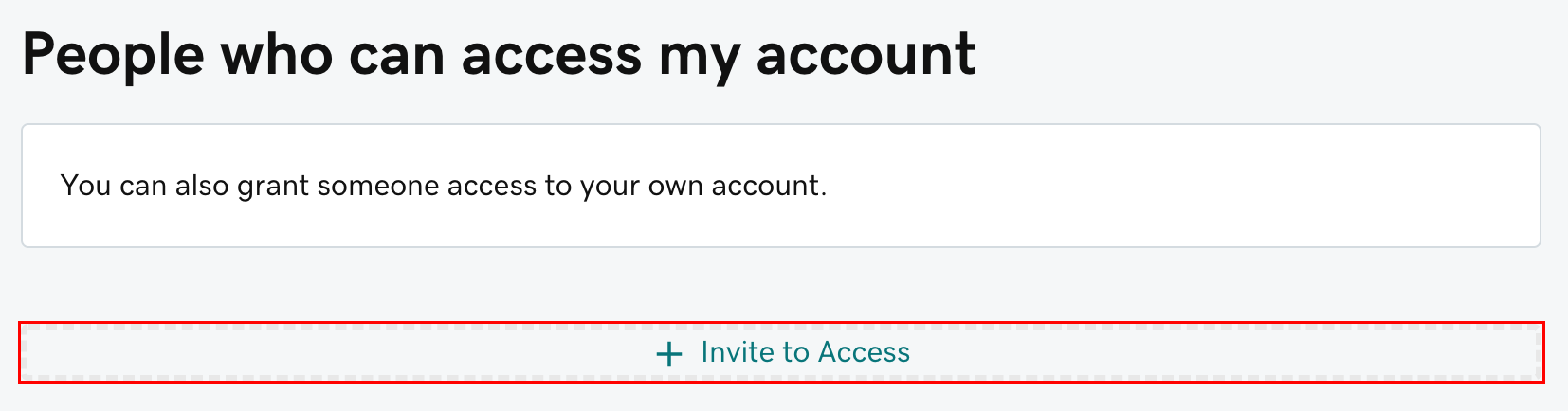
In the People who can access my account section, select Invite to Access.
Enter the Name and Email address for the person you're inviting. You'll use: Rosalyn Hill & dnsmanager@homecaremarketing.com
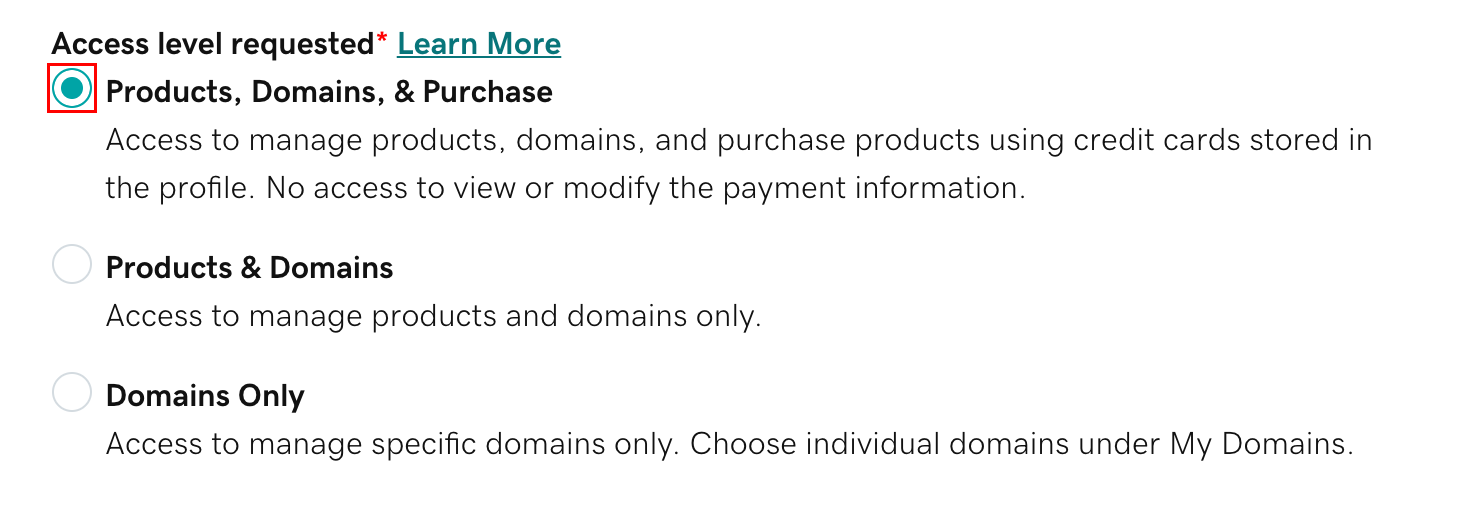
Select one of the access levels. If you're not sure what this means, read our explanation of access levels.
Select Invite. We'll send the person an email invitation to access your account. Once the person accepts, we'll let you know.

GoDaddy
Delegate Access